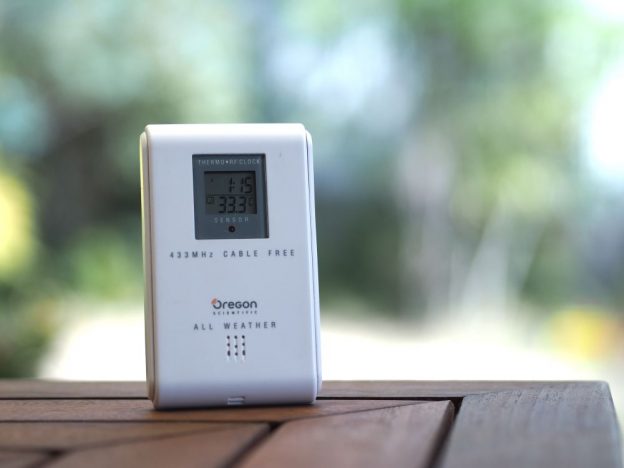
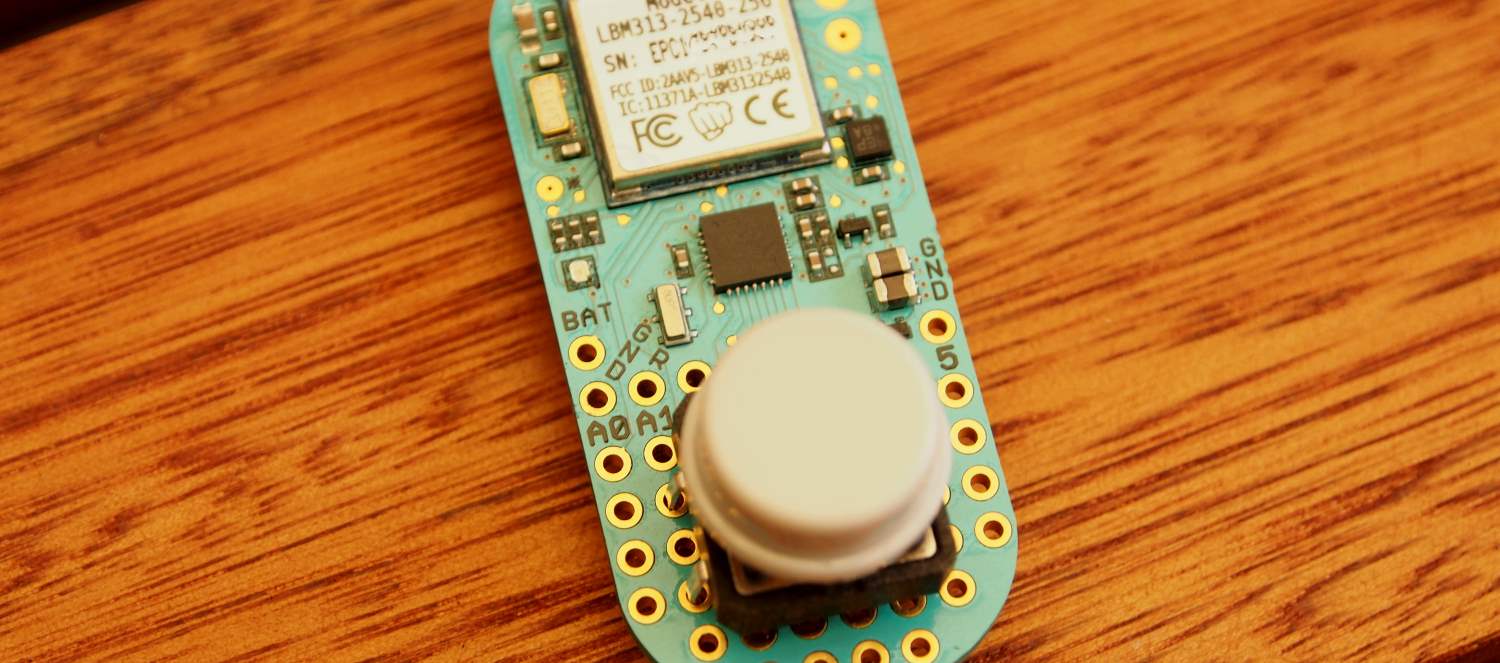
I know I’m probably late to the game, but I just got myself a Raspberry Pi. Currently I have a Myth TV front end in the living room run by an old laptop, my goal is to replace it. Here I share some of my experiences with the pi.
Raspberry Pi as a XBMC MythTV front end
February 24th, 2013501 5.5.4 Invalid Address when including Sender Name on Windows Server + PHP mail + IIS SMTP or MS Exchange
February 19th, 2012An interesting issue I came across the other day was that PHP was complaining giving a 501 5.5.4 Invalid Address error when trying to send email. The server uses IIS SMTP and the sender specified using the From: header ie
From: Me
Just specifying the email by itself works fine:
From: me@example.com
It turns out that this is a conflict between IIS SMTP and PHP. You need to specify a from email address separately by setting the ini configuration sendmail_from (for the MAIL FROM: command I presume) ie.
function mail2($from_address, $from_name, $to_address, $subject, $message, $headers) {
$old_sender = ini_get('sendmail_from');
ini_set('sendmail_from', $from_address);
$headers = "From: " . $from_name . " <" . $from_address . ">\r\n" . trim($headers);
mail($to_address, $subject, $message, $headers);
ini_set('sendmail_from', $old_sender);
}
Presumably this is not an issue on UNIX as the external sendmail program handles delivery.
Javascript ArrayBuffer – Binary handling in javascript
May 18th, 2011As javascript and HTML5 venture into applications never contemplated, there was one basic feature sorely missing from its API line up. The feature I’m talking about is of course native support for binary. Currently, if you want to manipulate binary in javascript, you have to make do with an array of numbers to store each byte in the “byte array”. This was horribly ineffecient given that each byte of number type probably occupied 4 or 8 bytes, so you would be using 4 or 8 times the space. Another alternative is to use base64, but that meant your binary blob was 33% larger and was only good for serialisation and storage.
This changed however, with the advent of WebGL, the straw that broke the camels back. WebGL required efficient processing of byte arrays which herald the creation of the ArrayBuffer. Although designed for WebGL, the ArrayBuffer can be used anywhere in your javascript. WebGL is currently available for Firefox 4 and Chrome. The ArrayBuffer allows you to allocate a opaque chunk of memory. To manipulate the buffer, we have to “cast” or map the array to a Typed Array. There are various typed arrays such as Int16Array, Float32Array, but the one that interests us is probably Uint8Array, allowing us to view our ArrayBuffer as a byte array.
var buf = new ArrayBuffer(1024);
var bytes = new Uint8Array(buf);
for (var i = 0; i < bytes.length; i++) {
bytes[i] = 0xFF;
}
The Typed Array may seem like a foreign concept in a dynamic-typed language such as javascript, but it’s neccesarry to provide good performance for binary handling. If you try to assign a Uint8Array element a number greater than 255, it will be truncated, and if you put a string, it’ll become 0, proving that this is more than just your average JS array.
Already there is talk of using these in HTML File API and Web Sockets API. WebSockets currently only support plain text UTF-8 frames, which means you can’t talk binary over the wire. Given that a lot of exisiting protocols are binary, this was a severely limitation. A web based proxy websockify that proxies native protocols into websocket frames needs the base64 each frame. Array Buffer support would allow us to do away the base64 overhead.
MythWeb and Flash streaming
February 13th, 2011For a while I’ve heard of this mythical flash streaming that is now supposedly built into MythWeb. However I have yet to see it anywhere in the website. What gives? So I decided to get to the bottom of this. There’s a wiki article on MythTV web which describe how it’s done, but it’s said to be outdated and pointed to MythWeb’s wiki page, which only mentions it’s been rewritten to enable Flash streaming. So how do I enable it?
After digging in source and finding various shenanigans with the WebFLV_on variable, the answer revealed itself in the preference pages of MythWeb (Settings > MythWeb > Video Playback). There is a tick box to “Enable Video playback”. However, it says it requires ffmpeg with mp3 support.
I’m using gentoo so installing ffmpeg was just a matter of emerge -av ffmpeg. After installing, I can finally tick the “Enable Video Playback”. However arriving at the preference pages and tried playing on the flash player, a new stumbling block appeared. It says that the pl/stream/bla/bla.flv is not found. Navigating to it manually revealed a 500 Internal Server Error.
Since I’m using Lighttpd, I discovered that it has a deficiency logging CGI errors. The error.log was useless and I ended up running Lighttpd in non-daemon mode (/usr/sbin/lighttpd -D -f /etc/lighttpd/lighttpd.conf) and looked at the errors spat out on to the console. Turns out that it requires Math::Round which I haven’t installed.
The story is actually a bit more cumbersome as before everything I needed to enable CGI on lighttpd for perl to work and to get around a streaming path issue, I modified $stream_url in /includes/defines.php to not double slash on my root, but I know everyone just wants to see what I wanted to see when I embarked on this journey – a screenshot of it in action:
It’s by no means perfect with video being low quality, lack of seeking and some high CPU usage – but it works!
Match any character including new line in Javascript Regexp
February 2nd, 2011It seems like the dot character in Javascript’s regular expressions matches any character except new line and no number of modifiers could change that. Sometimes you just want to match everything and there’s a couple of ways to do that.
You can pick an obscure character and apply a don’t match character range with it ie [^`]+. This is not true match any character though. Or you can try [.\r\n]+ which doesn’t seem to work at all. (?:\r|\n|.)+ works fine, but as you’ll find out soon, it is notoriously slow as each time you use it, you are creating a new 3 way branching point because of the brackets.
The perfect way I’ve found is actually a nicer variation of the first idea:
[^]+
Which means ‘don’t match no characters’, a double negative that can re-read as ‘match any character’. Hacky, but works perfectly.
Avahi, setrlimit NPROC and lxc
February 2nd, 2011Over the weekend I installed Avahi (the open source bonjour equivalent) and bumped into a strange error while trying to restart the service. /var/log/message says chroot.c: fork() failed: Resource temporarily unavailable. Searching the interwebs revealed it is an issue with LXC and setrlimit.
The setrlimit call can limit set cetain limitations on processes. One such limitation is NPROC, the number of processes that can have the same UID. Using setrlimit NPROC can enhance security by preventing unexpected forking, like when an attacker is trying spawn a new process. However, the server I am running on uses LXC, and avahi is installed on the host. In LXC, the containers themselves have isolation between one another, but the host sees all processes. The PIDs of container processes are remapped but their UIDs stay the same. Thus, you will get UID collisions where user 102 of container can refer to say ntp, while 102 of host can refer to avahi. Because the host sees and accounts for all processes, setrlimit on avahi (102) of say 3 processes will also count existing processes in containers with UID 102 (such as ntp) and thus breach the limit and unable to spawn.
The only way to solve this is to edit avahi.conf and set rlimit-nproc or just disable rlimits altogether using the --no-rlimits switch.
I guess as LXC and control groups becomes more common, developers will need to adjust their assumptions about users and processes.
List of Sandy Bridge LGA1155 H67/P67 motherboards that support VT-d
January 21st, 2011Since publishing my rant a few days ago, I’ve discovered a few more motherboards which CLAIM to support VT-d (Intel Virtualization Technology for Directed-IO). Of course you need a non-K flavour of Sandy Bridge CPU as well (ie i5-2400, i5-2500, i7-2600).
So here’s the list so far, which I’ll update as I find more:
- Intel DP67BG (Confirmed, see comment by Michael)
- ASRock P67 (All of them, last time I checked – i.e. Pro, Fatal1ty) (Seems to be bogus according to Brian)
- ASRock H67M (And all variants)
- Foxconn H67S and variants
- Foxconn P67A
- ASUS P8H67-V and P8P67? (See below)
- BIOSTAR TP67XE and variants
- BIOSTAR TH67XE and variants
There’s a good chance that if one of the H67/P67 boards from the same manufacturer (i.e. ASRock and Foxconn) have VT-d, all variants have it too. You can check by searching VT-d in the product manual.
Update 6/02/2011 – Latest Asus P8P67 manual (E6307) shows the VT-d option under “System Agent Configuration”. Is this a new addition or something I missed before I’m not sure. Quick check of other Asus boards ie P8P67 EVO or P8H67-M indicates they don’t have it. Exception is P8H67-V which seemed to have it from the beginning. It seems there’s hope for those with Asus boards.
Update 24/03/2011 – None of the boards except for the Intel one seems to support VT-d even if they claim to. There are continuing claims that P67/H67 doesn’t support VT-d.
Sandy Bridge Woes – LGA1155 P67/H67 and VT-d (I/O Virtualization)
January 19th, 2011I recently upgraded my home server from an old Athlon X2 to the latest and finest from intel, namely the new Sandy bridge processors. These new processors come with a relatively new technology called VT-d or (Intel Virtualisation Technology with Directed I/O). It’s also called an IOMMU. This feature like the more common VT-x provides hardware support to improve virtualisation. VT-d does to PCI devices what VT-x does for the CPU, by virtualising and allowing remapping of the DMA. Basically, what it means is that you can now freely assign different PCI connected devices (like graphics card, USB host controllers) to your Virtual Machines. A use case would be to give a VM a real graphics card so it doesn’t have to rely on the slow virtualised graphics adapter.
It’s been a bit of a mystery whether VT-d is a CPU technology or a chipset/motherboard technology, but it’s clear that, like VT-x, you need both to know about this technology to work. Since the advent of i7s, various people have asking the support for this technology only to find that the main blocker is getting the right motherboard. Some lucky folks have gotten it as far back as dying days of the Core 2 era. Most i5s and i7s CPUs claim support for VT-d, however motherboards of P55 and H55 that support this was few and far between. The only sure way to find out if your motherboard supports it is if you find the option “Enable I/O Virtualisation” in the Advanced Features section of your BIOS. The situation markedly improved when P57 and H57 came about with MSI and Asus boards displaying the option. MSI’s H57M-ED65 is one such board. If you look at the downloadable manual, you’ll find the reference. Gigabyte is noticeably quiet on the matter. Armed with this knowledge I went out assuming that newer boards will follow the trend. How wrong was I.
There are special Sandy Bridge CPUs in the form of 250K and 260K. The K CPUs have a higher clock for the graphics, but sacrifices VT-d technology. Fortunately this is widely understood and reported, unlike last generation when confusion between VT, VT-x and VT-d reigned. What they failed to clarify was that, VT-d is unavailable in pretty much all P67/H67 chipsets. This means nobody can actually use VT-d anyway regardless of whether the CPU supports it or not. In fact, I don’t even know why Intel bother listing VT-d as a feature when support is so poor. Currently, the only sandy bridge (LGA1155) motherboard in existence, that supports VT-d is Intel’s DP67BG. I of course didn’t buy that board and as I’m building a server, I required integrated graphics and P67 doesn’t offer that. Only H67 does. As far as I can tell no H67 motherboard currently in existence has VT-d.
Anyway, this is my rant of the night.
Beginner to GIS and web mapping
January 15th, 2011Recently, I’ve taken an interest in GIS and OpenStreetMap, this blog post serves as a quick guide and reminder to myself of what I’ve found.
OpenStreetMap or OSM, is the wikipedia equivalent for mapping. It already has quite extensive details of streets at least for Australia partially aided by the use of nearmap and yahoo. The only detail missing from it is street address numbers, which makes it less useful for searching addresses and routing. It does have a increasing number of POIs including restaurants, shopping centres and schools.
One of the first things you will find out is that longitude and latitude for a particular point on earth can differ depending on the Spatial Reference/datum you’re using. This blog post explains it perfectly. The most popular datum would probably be WGS84, which is the one used by GPSes. In Australia, many maps use GDA94, which is roughly equivalent to WGS84. The difference between WGS84 and GDA94 is that the continental plate of Australia moves north easterly around 7cm per year, and in GDA94 coordinates, all points in Australia will not change, whereas in WGS84 terms, every point in Australia will be offset due to the drift. In 2000, the difference between GDA94 and WGS84 is 45cm. By extrapolation, in 2010, it would be around 1 meter, which is still less than the error for standard consumer GPSes of 20 meters. For the most part, you can consider WGS84 and GDA94 the same.
There are many more spatial references defined and collected by various groups, the most popular being EPSG. You can find an extensive list of spatial references at spatialreference.org. Here are some notable references:
- EPSG:4326 – WGS84
- EPSG:3395 – WGS84 Mercator Projection
- EPSG:4283 – GDA94
- EPSG:3857 (Erroneously listed as 3785 on sr-org) – Spherical/Web Mercator used by Google Maps (formerly known as 900913)
There seems to be two types of coordinate systems – projection and geographic. Geographic is the actual system with a datum used to describe location in the 3D world, where as projection is the system used to display the 3D world in 2D, converting a sphere or ellipsoid into a flat map. Three popular projections are Plate Carree, Mercator and UTM. Plate Carree simple maps lon/lat to X and Y, while Mercator progressively scales the map toward the poles, stretching Greenland north and Antarctica south, eventually placing the poles theoretically at infinity. You can find more projections at ESRI’s arcgis documentation.
Once you’ve learnt about what these geographic coordinate systems are, you might want to manipulate them. On the movable-type.co.uk website is sample code to convert between different spatial references or coordinate systems this code. Also on the same site is also code to calculate distance and bearing between two lon/lats points.
There are extensive open source tools available for GIS in the form of the OSGeo collection of tools.
Storage of map objects are available for postgresql (PostGIS) and sqlite (SpatiaLite), both adds OpenGIS standards to database.
The Javascript web map control used by OSM is OpenLayers, which supports multiple layer sources including google maps, yahoo and WMS. Another map display control is MapBuilder, but it seems it has reached its end of life, with the creators recommending OpenLayers. Both are open source.
That should mostly cover what I’ve learnt thus far.
PHP NTLM integration with Samba
December 29th, 2010I’ve been sitting on this for ages, but finally I’m using the Christmas break to complete this article about integration between Samba and my PHP NTLM script. The basic idea is that pdbedit -w someuser will emit the NT hash (MD4) of someuser. Using this knowledge we will be able to create a helper utility that verifies NTLMv2 hashes by calling on pdbedit. This helper utility I named verifyntlm. A key requirement for this to work is that the Apache/PHP process be in the same machine the samba user database is hosted on, which also means this is strictly for samba and not for Windows servers.
There is one issue though, which is that pdbedit requires root privileges to access the hash. It unreasonable to think that the apache/PHP could be run in root. The answer to this is to setuid verifyntlm to root such that verifyntlm will get elevated to root every time it gets executed by any user. It also why verifyntlm is written in C as setuid doesn’t not work for scripts. For this to be secure, verifyntlm must be watertight or else it can potentially be used for a root privilege escalation exploit. Maximum care was taken when coding with this but as with everything, I can’t guarantee absolutely security. The source code is for all to see though, so feel free to comb through it.
You would only use verifyntlm in conjunction with ntlm.php as expects parameters such as the user, challenge, hash etc which only ntlm.php provides. The program is designed to divulge as little information as possible, only 1 if successful, 0 for failure. This way in the event that an attacker gains access to the binary, they can gain no new information that’s not already gained through brute forcing a login prompt.
Prerequisites
verifyntlm.c requires:
- gcc – To compile the C file
- openssl (library & headers) – If using debian/ubuntu, run apt-get install libssl-dev
- Samba – Obviously, so we can execute pdbedit
Installation
You may need to modify PDBEDIT_PATH in verifyntlm.c to point to where pdbedit is if it’s not at /usr/bin/pdbedit
Login as root (or add sudo in front) to compile and set the sticky bit:
# gcc verifyntlm.c -lssl -o verifyntlm # chown root verifyntlm # chmod u=rwxs,g=x,o=x verifyntlm
Move the binary to a location such as /sbin/
# mv verifyntlm /sbin
If you put the binary somewhere else, please modify $ntlm_verifyntlmpath in ntlm.php.
Usage
After compiling the binary, jump out of root into a normal user and try running it without parameters. If it prints usage information, then you should be set.
On PHP side, here’s how to use it in your own PHP scripts:
session_start();
$auth = ntlm_prompt("testwebsite", "testdomain", "mycomputer", "testdomain.local", "mycomputer.local", null, "ntlm_verify_hash_smb");
if ($auth['authenticated']) {
print "You are authenticated as $auth[username] from $auth[domain]/$auth[workstation]";
}
As always, get the source from my php-ntlm github.
Unfortunately, if you’re looking to integrate PHP NTLM with Active Directory, this is not the article you’re looking for, you may be able to achieve it through winbind, another samba component, but that’s for another time.